

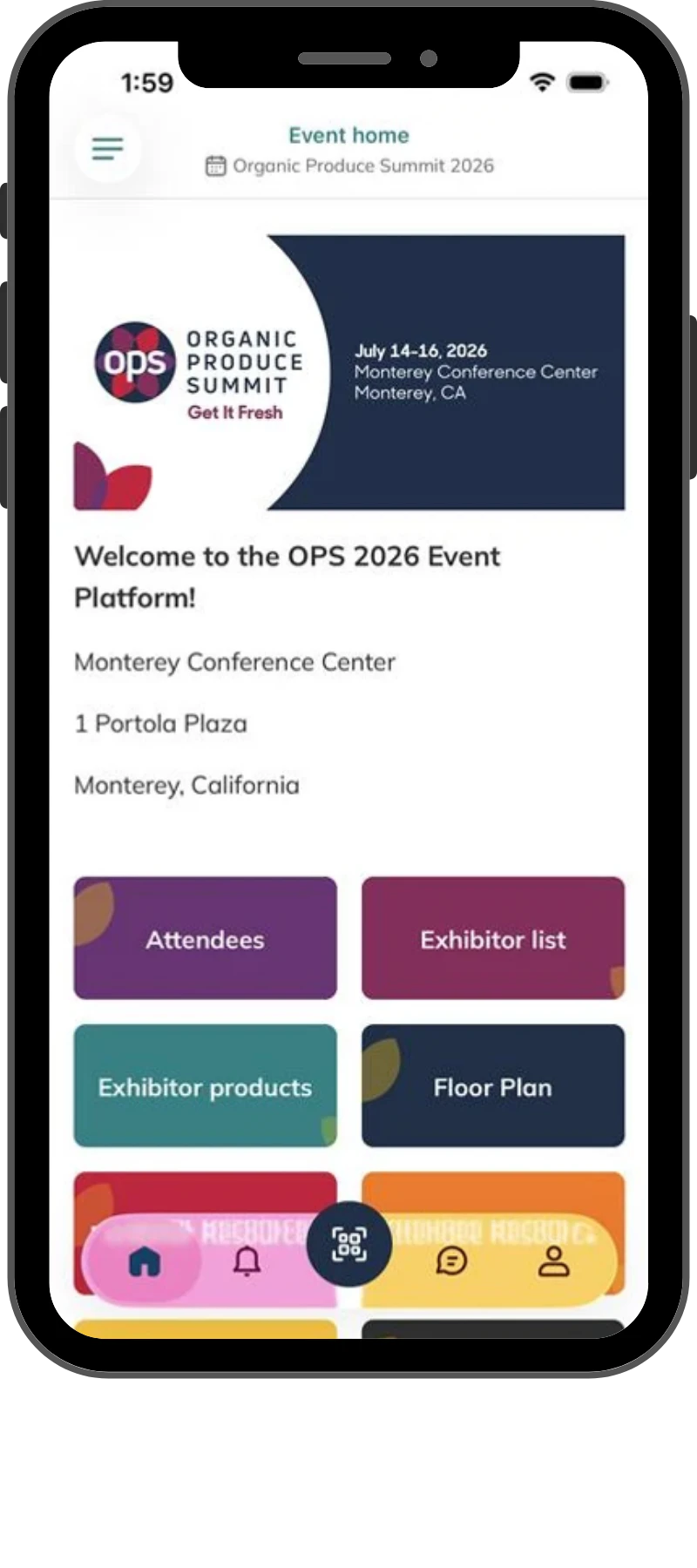
Powerful features at your fingertips.
- Seamless planning — Build your perfect agenda by adding must-attend sessions before you arrive.
- Interactive navigation — Explore the complete floor plan and mark favorite exhibitors for quick access.
- Real-time engagement — Connect directly with attendees, exhibitors, and speakers all in one place.


Not on your mobile device?
Scan the QR code to download the app.

How to use the OPS Event App:
Log In: Visit the OPS event app, click “Log in,” and enter the email address you used to register.
Password Setup: If it’s your first time logging in, create a password. If you forgot your password, click “send me a magic link” to reset it.
Homepage Navigation: After logging in, you'll land on the event homepage where you can navigate through the exhibitor list, agenda, and more!
**Tip: Don't miss out on important notifications during the show. Make sure to turn on notifications for the OPS Event App in your phone’s settings.
Need help? If you have any questions, please reach out to the Expo West Customer Service team: info@organicproducesummit.com